
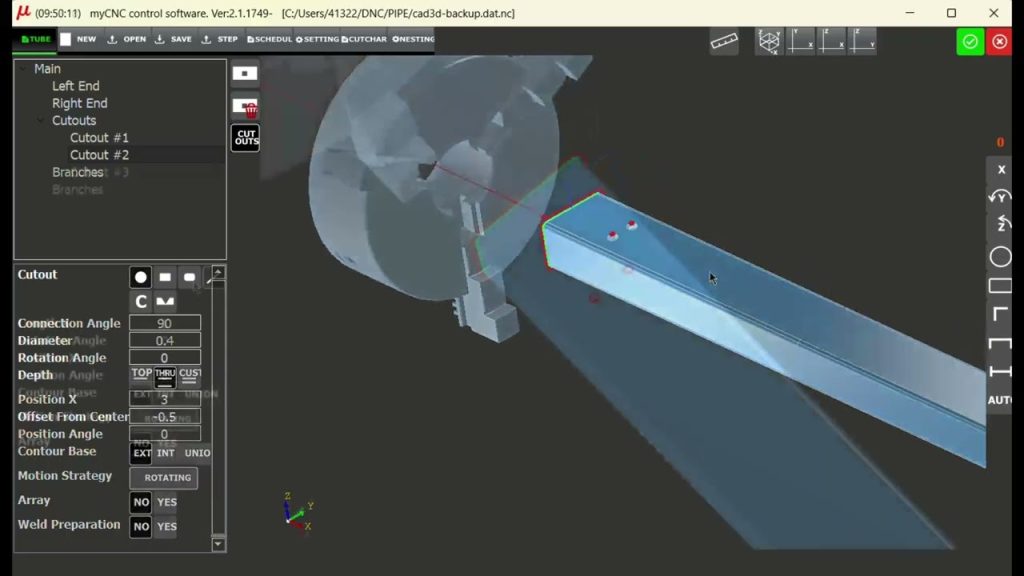
Designing an Adjustable Mounting Tube in myPIPE
A myPIPE CAD/CAM tutorial showing how to design an adjustable mounting tube using circular mounting holes and elongated adjustment slots positioned directly on the tube.
A myPIPE CAD/CAM tutorial showing how to design an adjustable mounting tube using circular mounting holes and elongated adjustment slots positioned directly on the tube.
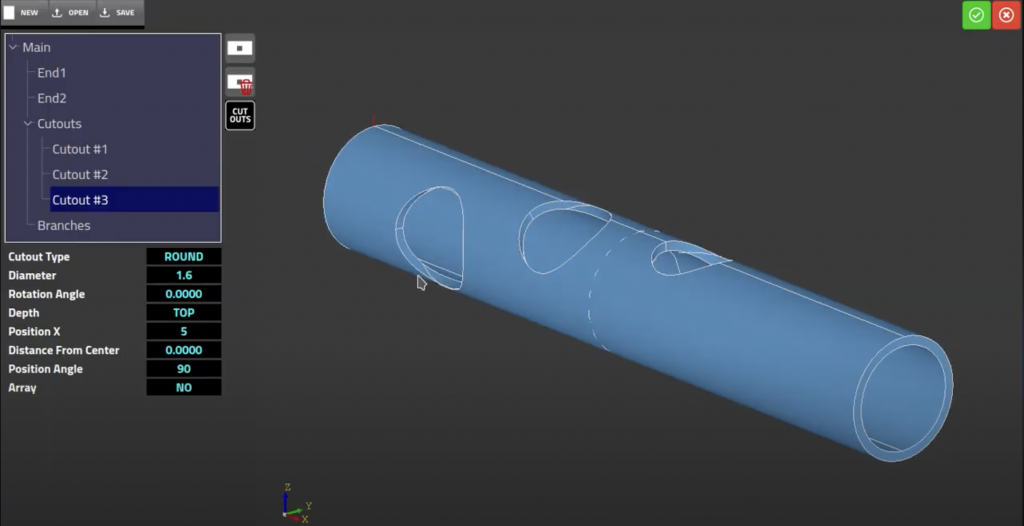
TubeCNC brings CNC control, CAD/CAM, and myPIPE tube and pipe design together as one connected system. Here’s who we are, what we’ve built since 1996, and where integrated CNC automation is heading.
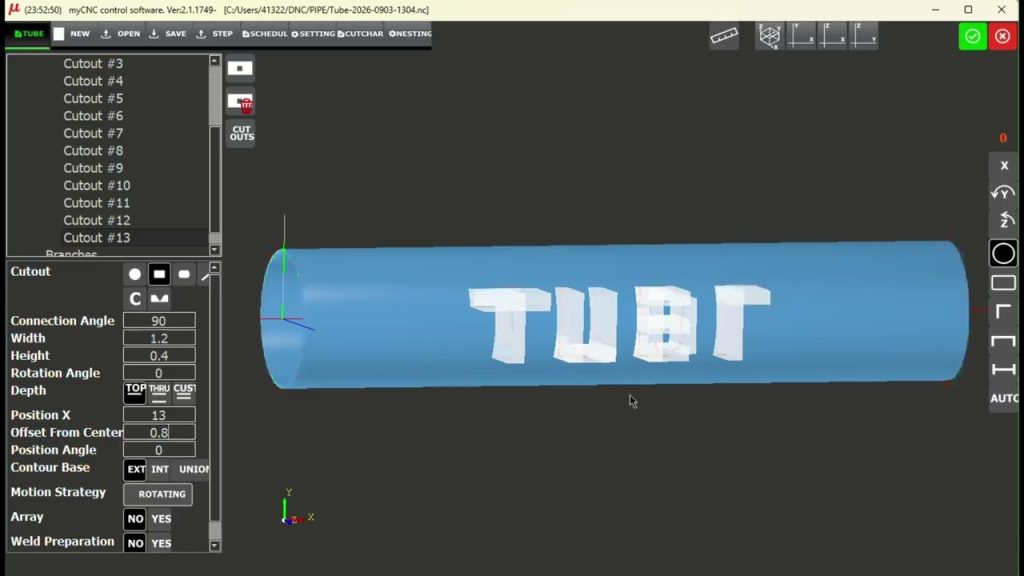
A step-by-step look at building custom tube lettering in myPIPE using positioned rectangular cutout features.
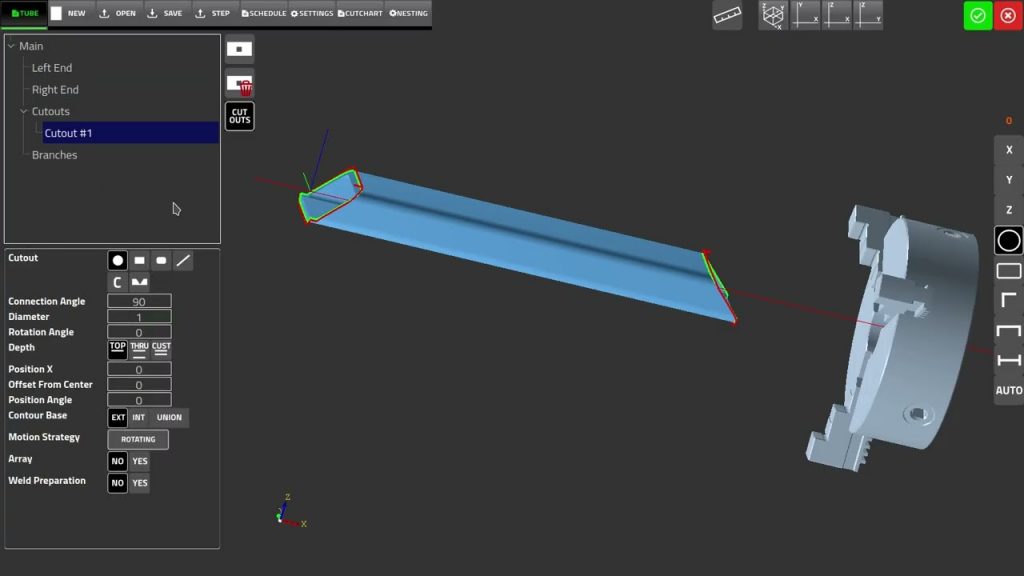
Explore real V-groove cuts, multi-side tube parts, tube connections, cutouts, and nesting examples in our new visual project gallery.
A short preview of a new V-groove cut option in TubeCNC’s CAD/CAM software, which cuts a V-shaped notch in a tube so two segments can meet at an angle.
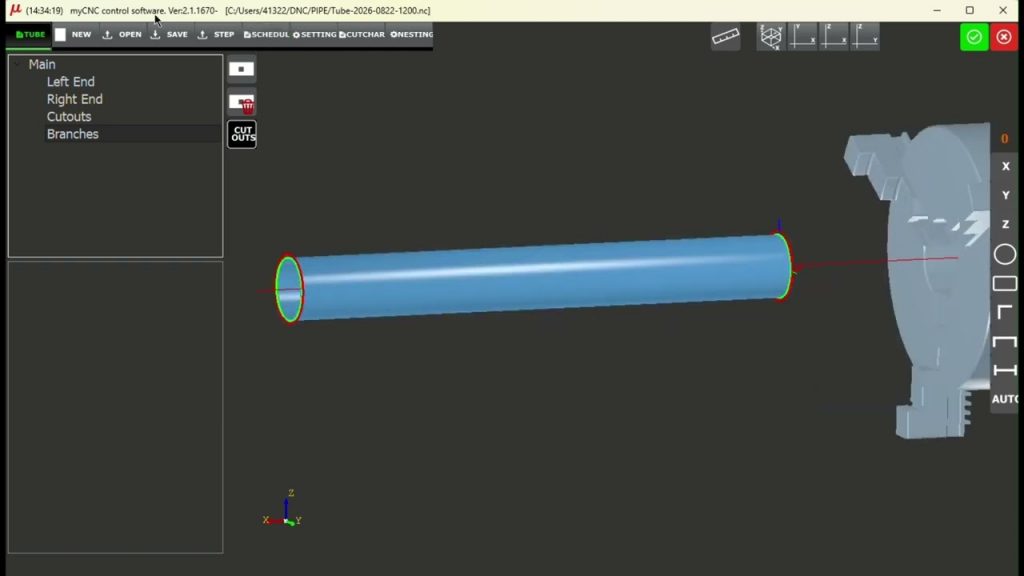
A short preview of the pipe schedule option in TubeCNC’s CAD3D software, which lets you select a standard pipe schedule and apply its dimensions to a tube or pipe part.
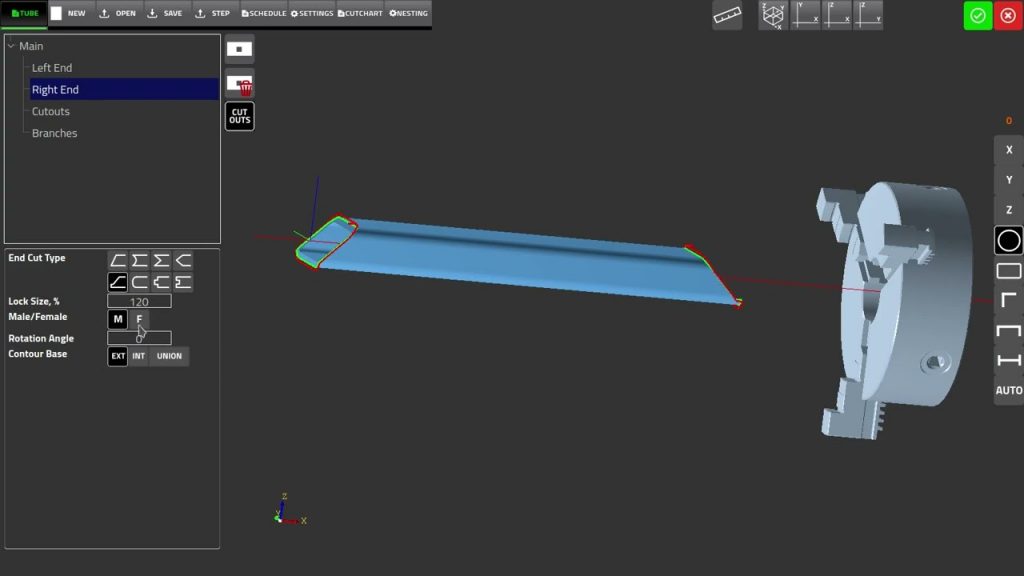
A short preview of a new self-locating joint option for tube end cuts in TubeCNC’s CAD3D software, with Male/Female, Lock Size, and Rotation Angle controls to fit a tube end to a mating part.
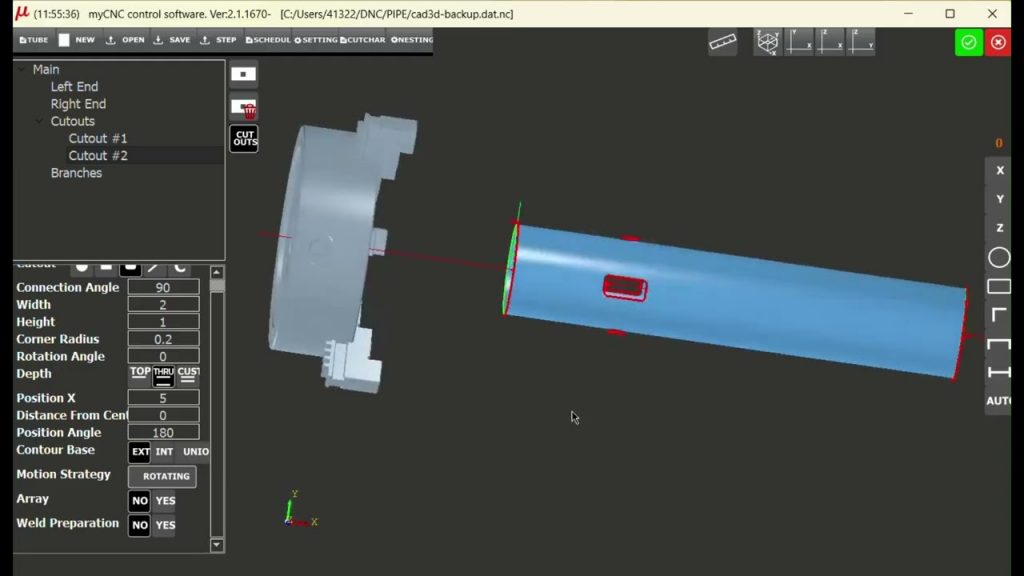
How to use the Nesting feature in myPIPE to automatically arrange multiple identical cutouts along a tube, from configuring a single cutout to loading the finished part into myCNC machine control.
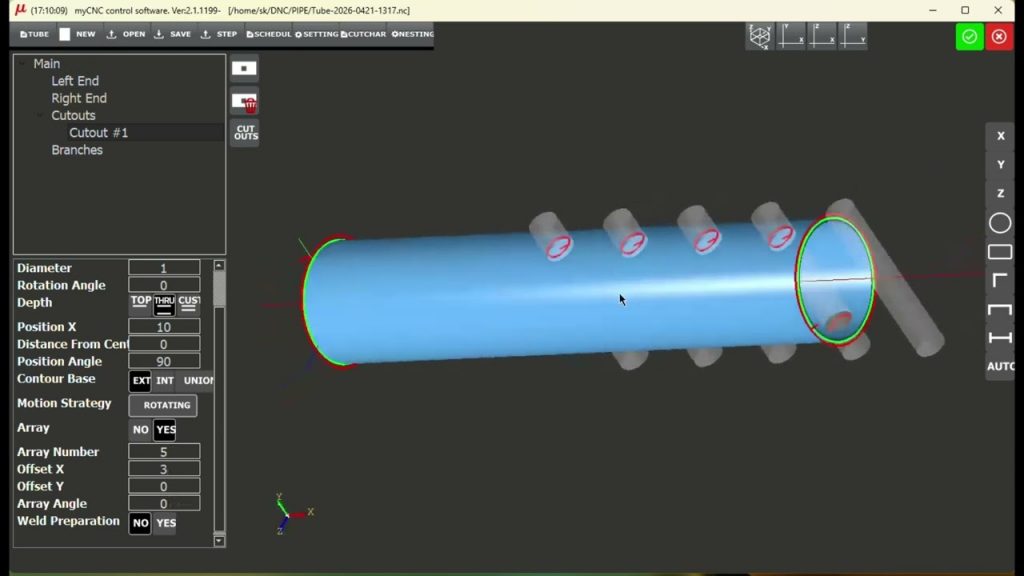
We’re excited to introduce the new TubeCNC YouTube channel. In our latest tutorial, we show how to use the Array feature in myPIPE to quickly create multiple evenly spaced cutouts along a tube.
Pipe Cutting profile update *April 20, 2026* The latest update to the pipe cutting plasma profile (U1366T5) brings workflow improvements