
The TubeCNC Learning Center is your home for practical, step-by-step tutorials on TubeCNC, myPIPE, and myCNC — pulled directly from our YouTube channel and blog so you can learn each feature the way it actually works in the software.
Whether you’re setting up a machine for the first time, designing your first pipe part in myPIPE, fine-tuning your myCNC controller, or just want to see real machines in action, you’ll find it organized below by topic. New tutorials are added as we publish them — bookmark this page and check back often.
New to TubeCNC? Start Here
Begin with the basics of machine setup and initial calibration before moving on to more advanced tutorials.
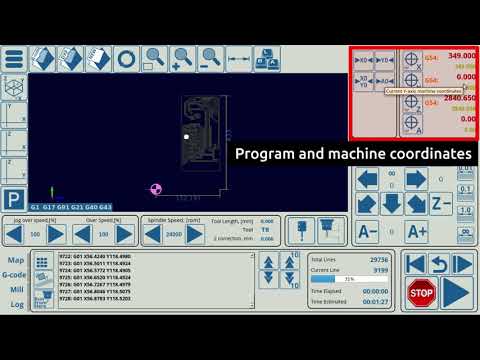
Getting Started with myCNC
An overview of the myCNC control software to help new users find their way around.
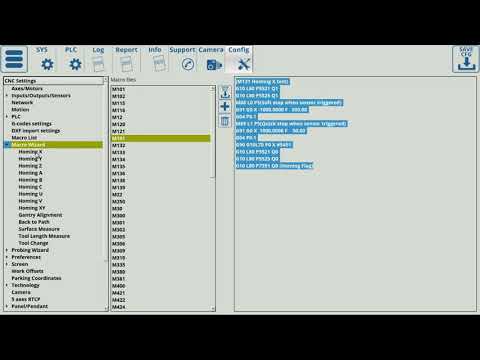
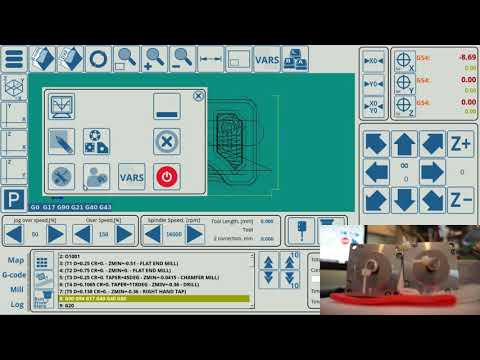
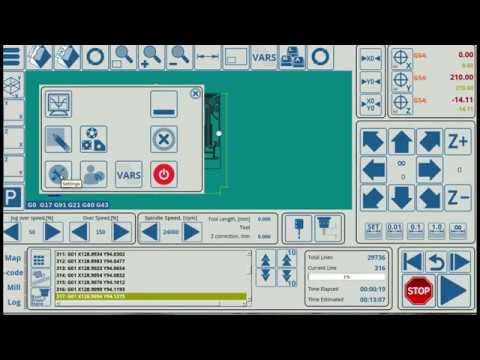
Pipe & Tube Design in myPIPE
Learn the CAD/CAM workflow for pipe and tube parts, from schedule sizing to nesting and cutout placement.
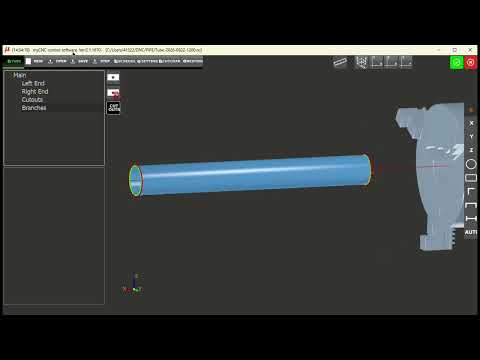
Setting Up Schedule Pipe in myPIPE
Selecting a standard pipe schedule to size a tube or pipe part in CAD3D.
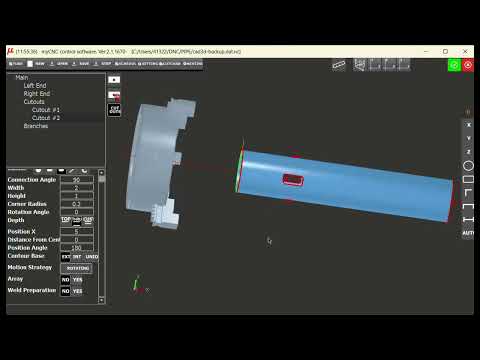
How to Use Part Nesting in myPIPE
Arranging multiple parts efficiently before cutting.
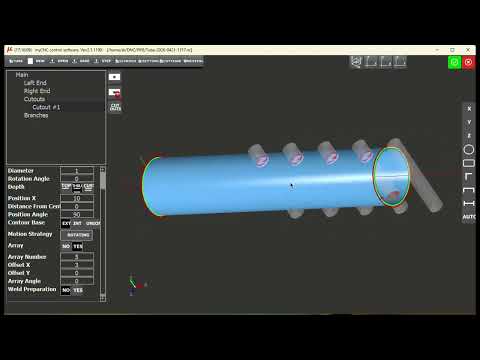
Creating Evenly Spaced Cutouts in myPIPE
Placing multiple evenly spaced cutouts along a tube.
Running myCNC Control Software
Feature-focused tutorials for the myCNC controller and control software.
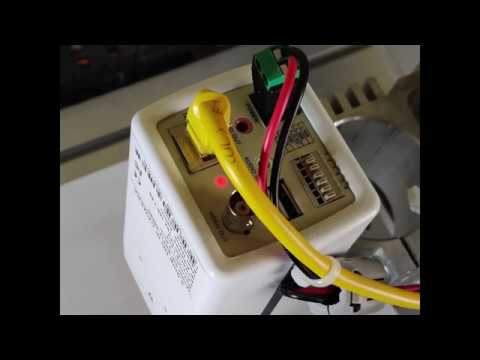
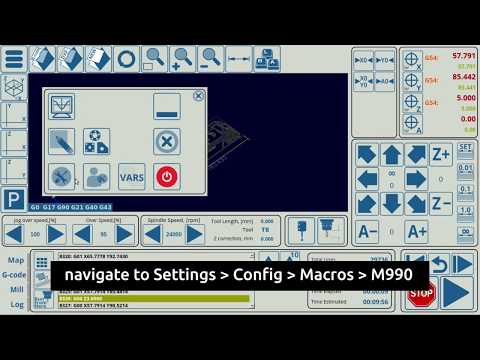
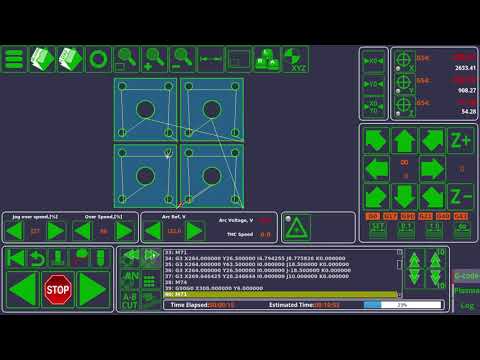
Initial Height Control (IHC)
Setting the initial cutting height before a cut starts.
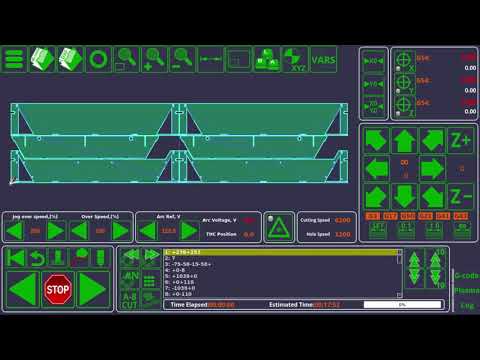
Machine Jog with Hardkeys
Jogging the machine using physical control panel buttons.
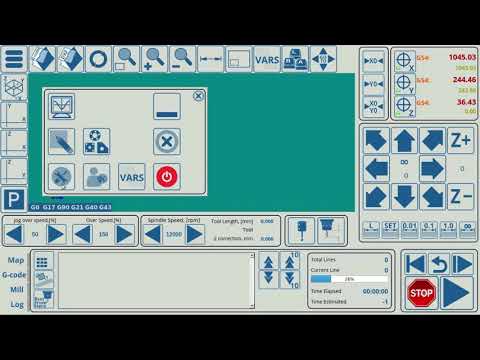
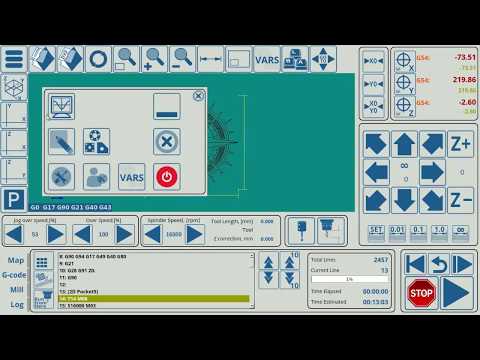
Software PLC Init and Exit Handlers
Configuring PLC handlers that run at program start and end.
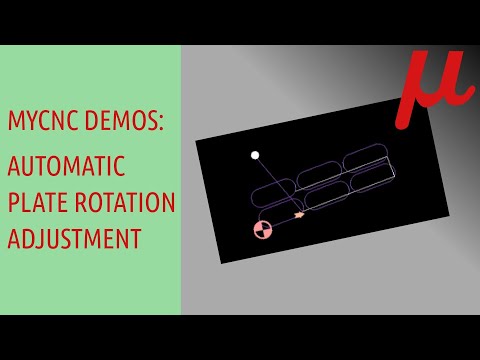
Automatic Plate Rotation and Offset Adjustment
Demonstrating automatic plate rotation and offset correction.
Recently Released Features
Confirmed, released updates to TubeCNC/myPIPE CAD/CAM — only features that have actually shipped are listed here.
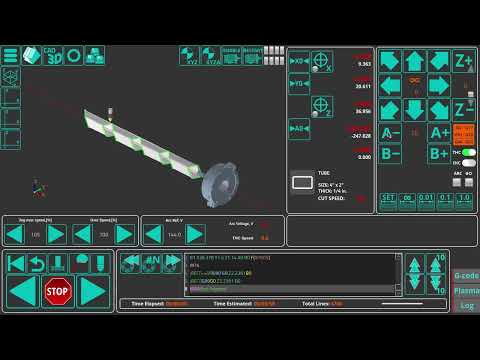
New V-Groove Cut Feature
A V-groove cut option that notches a tube so two segments can meet at an angle.
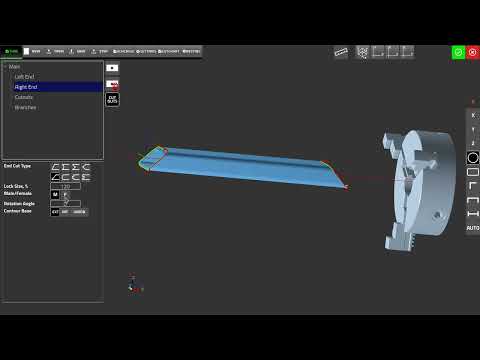
New Self-Locating Joint Feature
A self-locating joint option for tube end cuts, with Male/Female, Lock Size, and Rotation Angle controls.
Real Machines Running TubeCNC & myCNC
A look at real customer machines and cutting systems built around myCNC controllers.
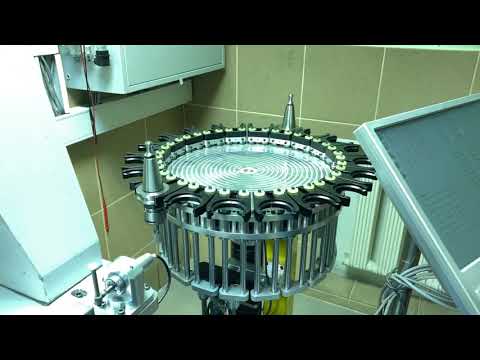
ATC Mill Retrofit with myCNC-ET15
A mill ATC (automatic tool changer) machine retrofitted with a myCNC-ET15 controller.
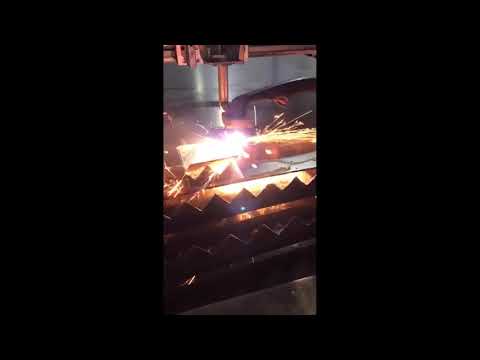
Client’s CNC Plasma Cutting Machine
A plasma cutting machine built around a myCNC-ET7 controller.
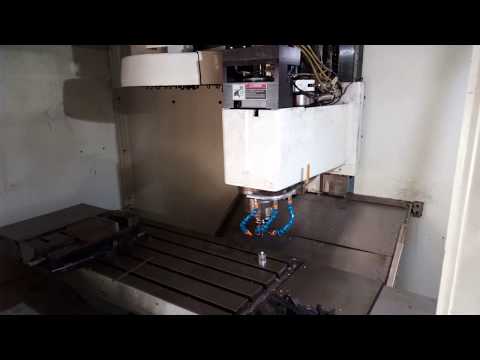
Fadal 4020 ATC Mill Retrofit
A Fadal 4020 mill retrofit with wireless toolsetter tool measurement.
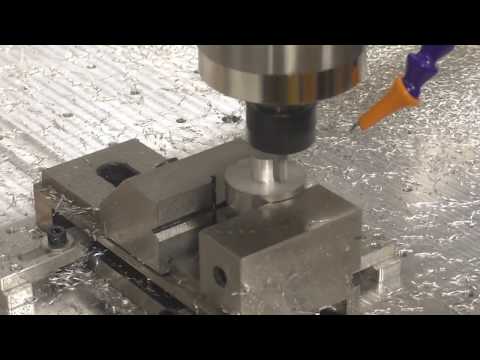
Customer’s CNC Router with MQL
A CNC router setup using Minimum Quantity Lubrication (MQL).
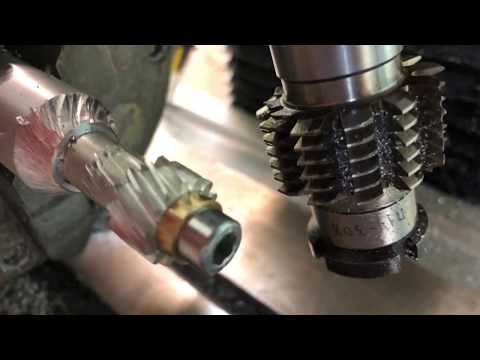
Gear Cutting with a myCNC Controller
Gear cutting performed using a myCNC controller.
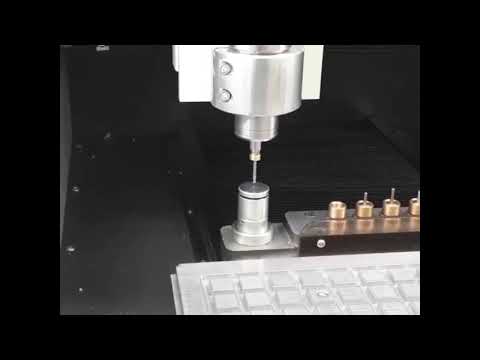
Client’s Mill ATC Machine
A mill ATC machine built around a myCNC controller.
Follow the TubeCNC YouTube Channel
We’re regularly adding new myPIPE tutorials, TubeCNC demonstrations, CNC workflows, and examples showing different features and production processes. Subscribe to follow future tutorials and new TubeCNC content.
Need More Help?
If a tutorial doesn’t cover what you need, our Technical Support team can help with setup, troubleshooting, and more advanced questions.