
Pipe Cutting profile update
*April 20, 2026*
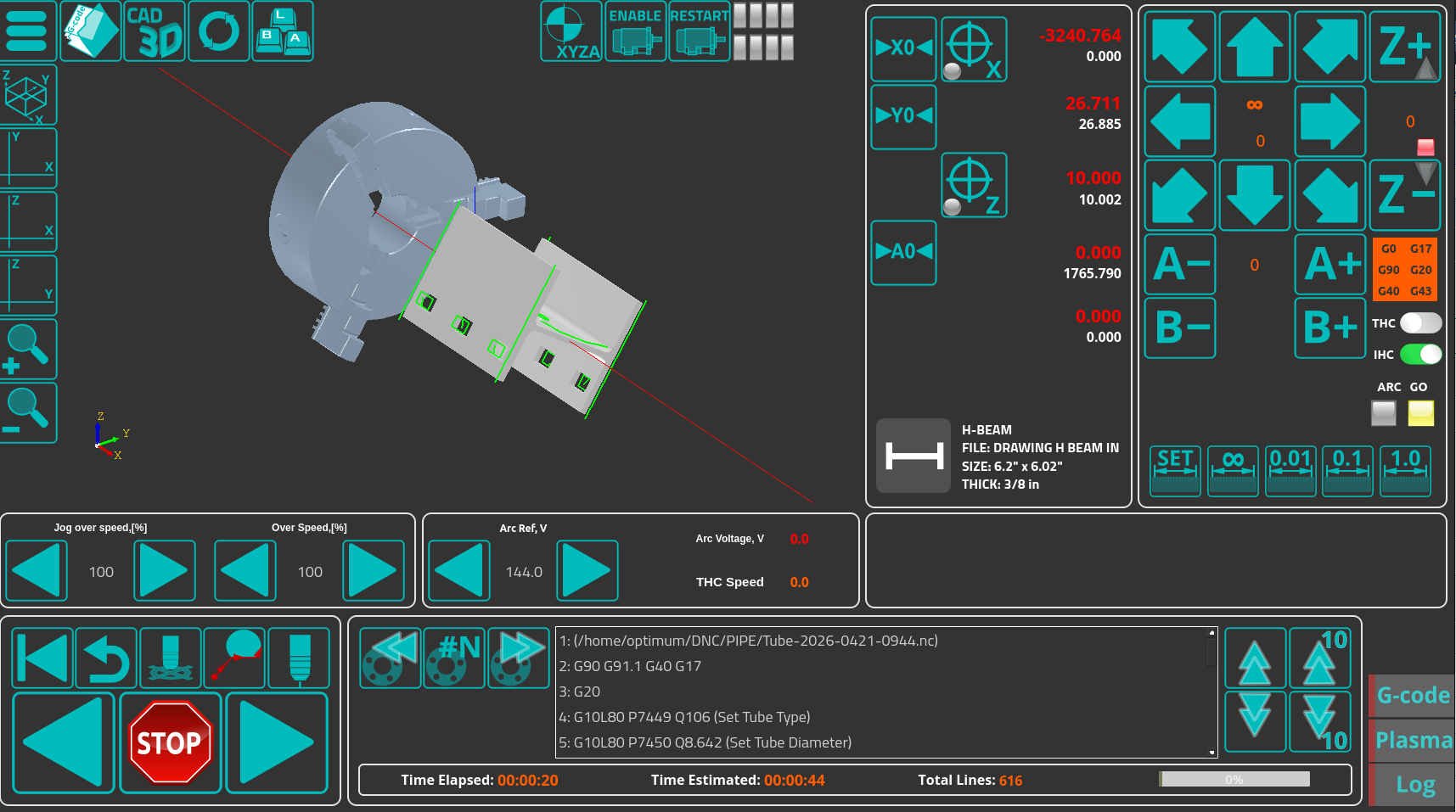
The latest update to the pipe cutting plasma profile (U1366T5) brings workflow improvements for the user.
In addition to simplifying and streamlining the homing/move to 0 buttons to avoid accidental presses for select axes, the new *x-tube-info* GUI element (shown below) displays the currently loaded pipe profile (Angle, H-Beam, Round/Rectangular Tube, etc) as well as key information regarding the current project file:
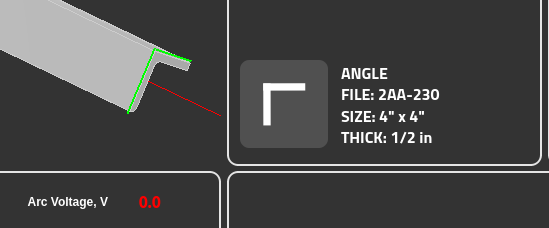
The information is based on the specific file loaded through the CAD3D module, described earlier in this blog. For more info on the CAD3D/pipe cutting capabilities within myCNC, see the CAD 3D and CAM 3D pages as well as the Pipe Cutting documentation page.
Stay tuned for further updates!