Charge Pump in myCNC
Tags: CNC control, CNC software, Charge Pump, PLC
Change Pump Implementation
Charge pump output can be easily implemented in myCNC control software through the Software PLC.
To do it
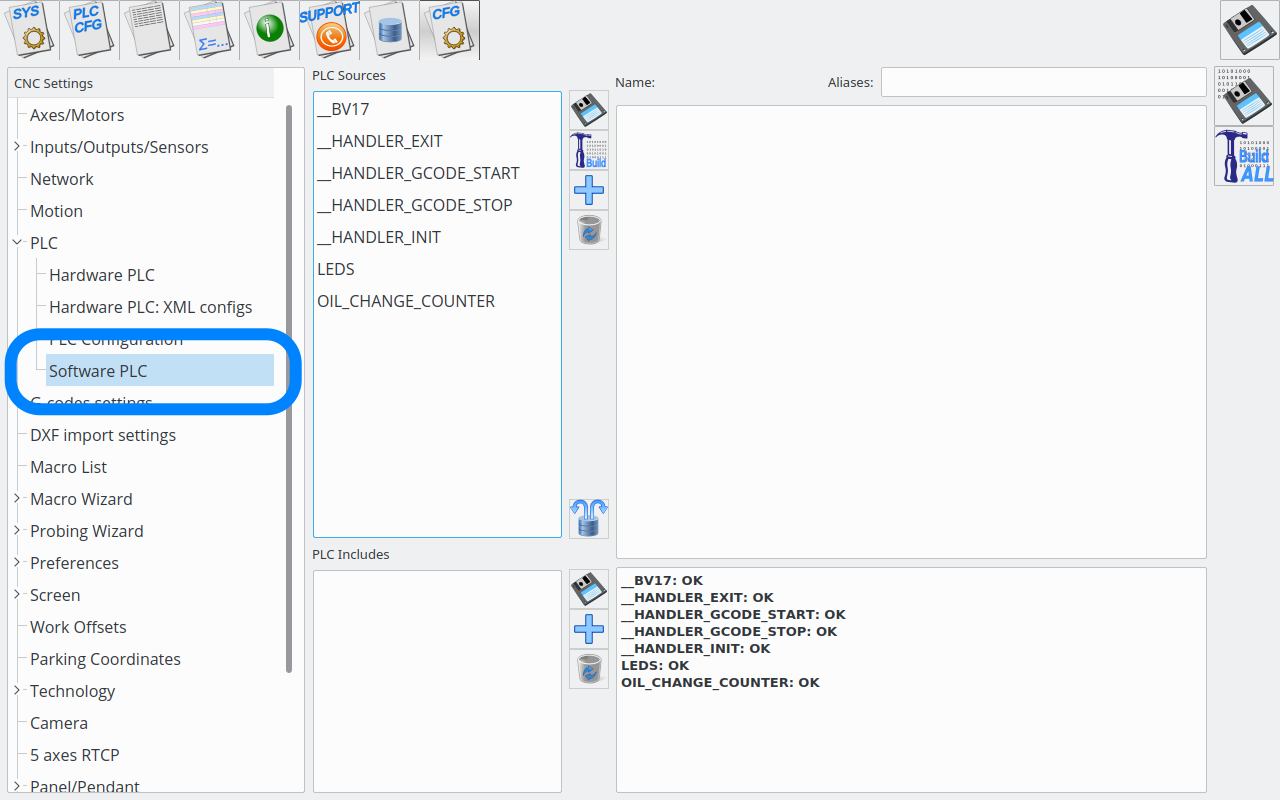
Goto the “Software PLC”
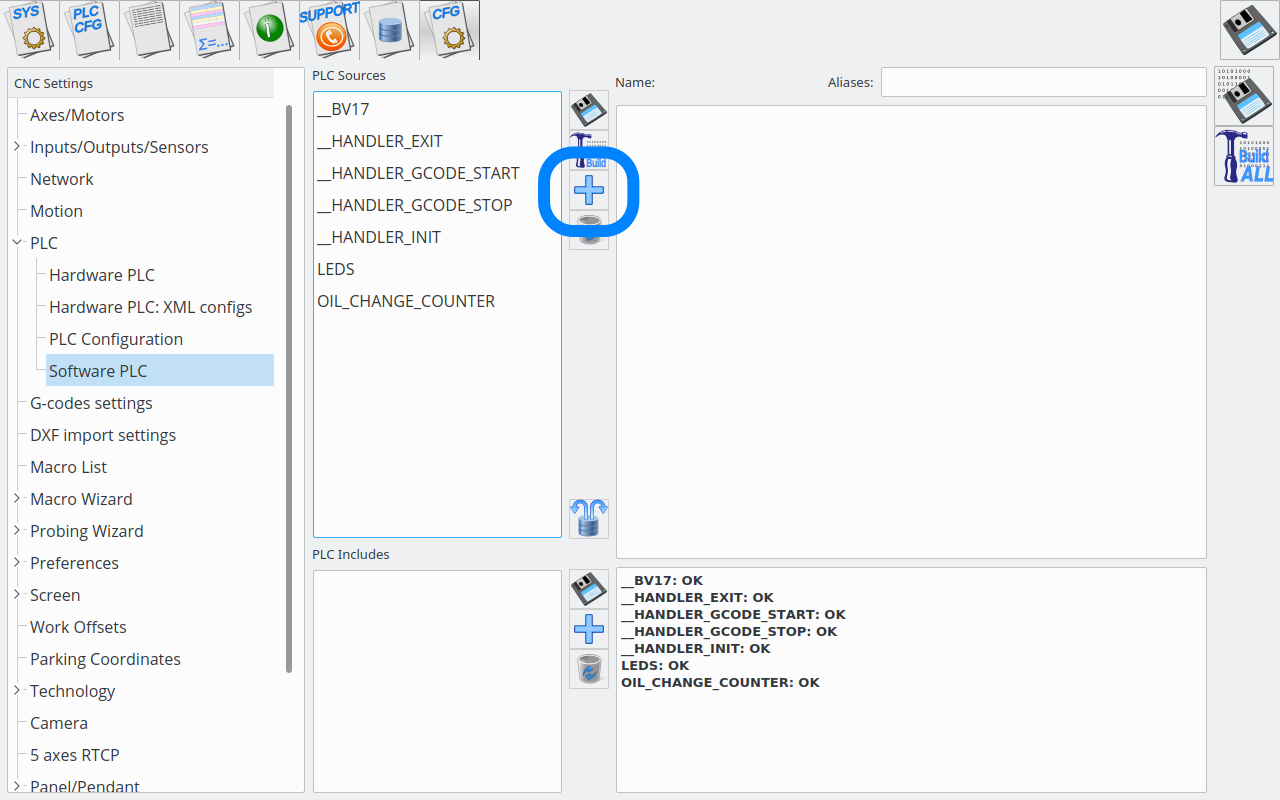
– Press “Add” to add new PLC procedure
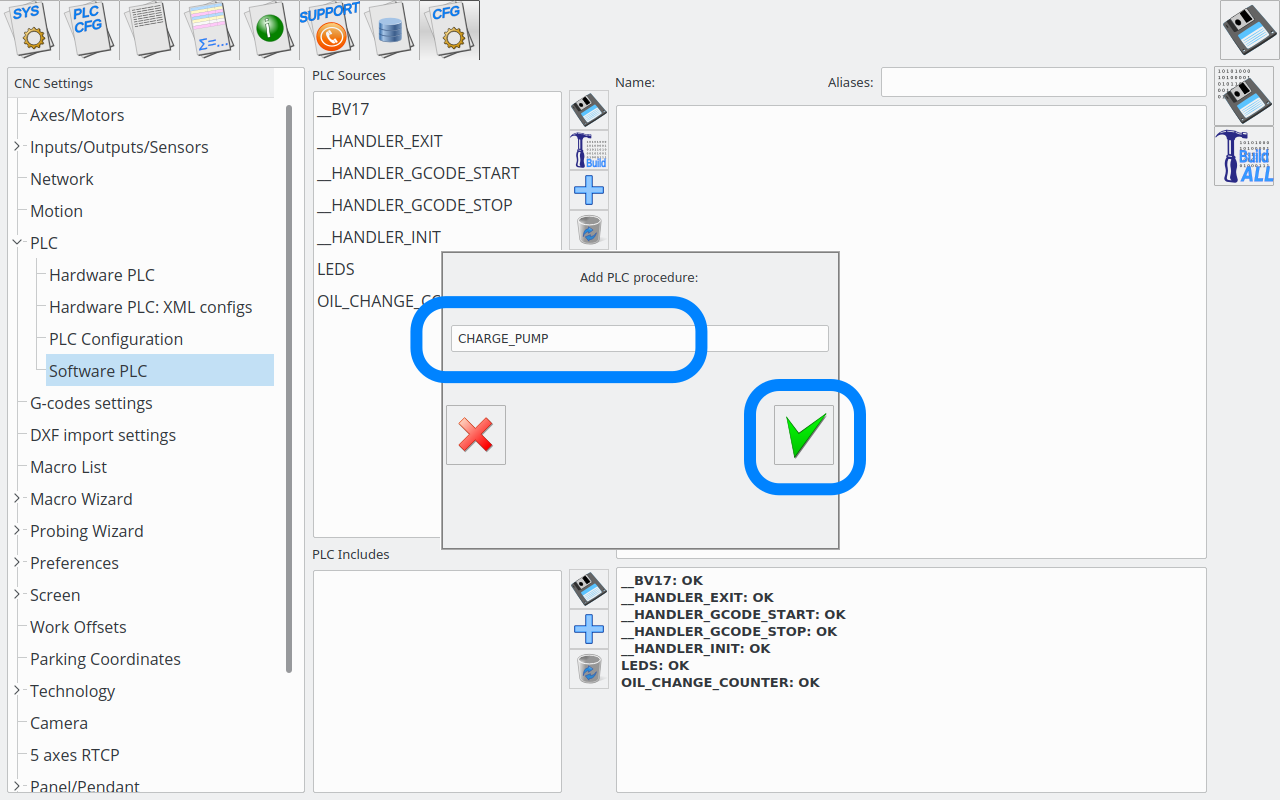
Enter the procedure filename (CHARGE_PUMP), press “OK” button
Enter source code for change pump
“`
main()
{
n=0;
port=0;
do{
n++;
if (n&1) { portset(port); } else {portclr(port);};
}while(1);
exit(99);
};
“`
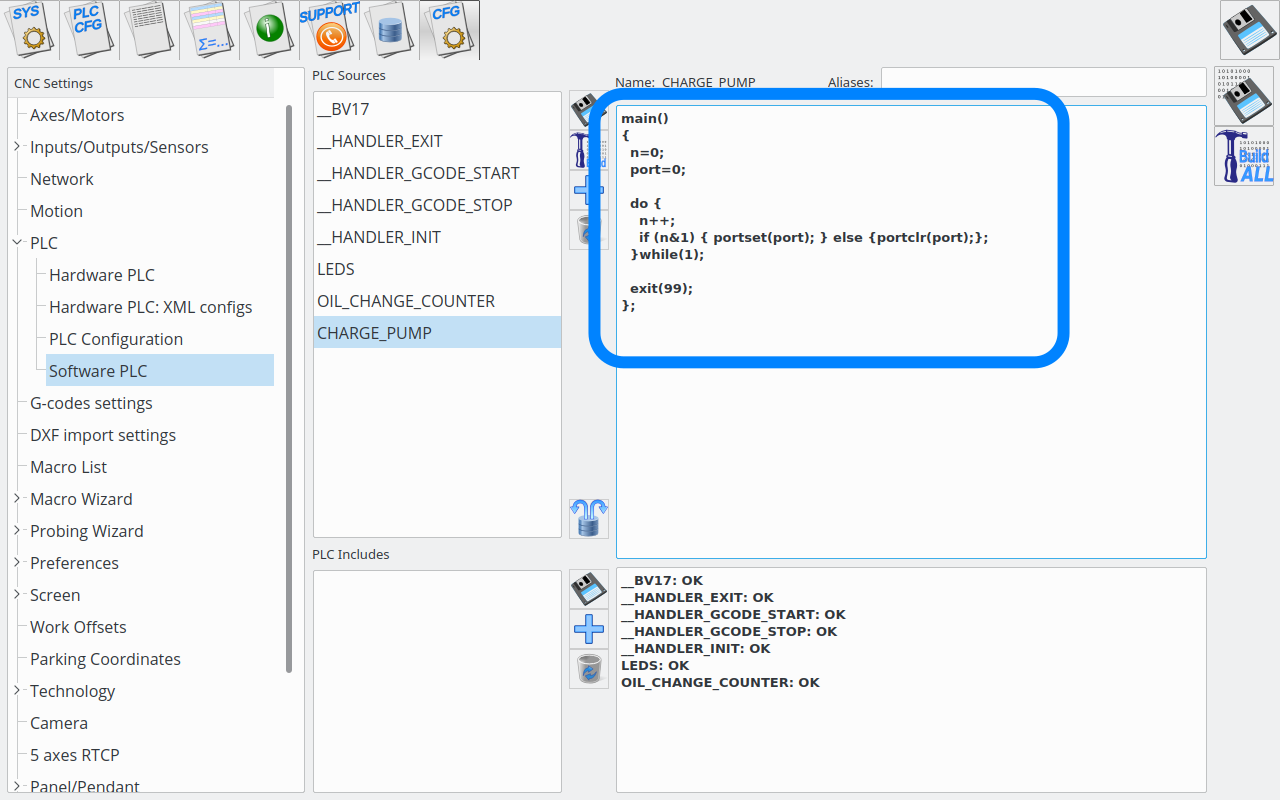
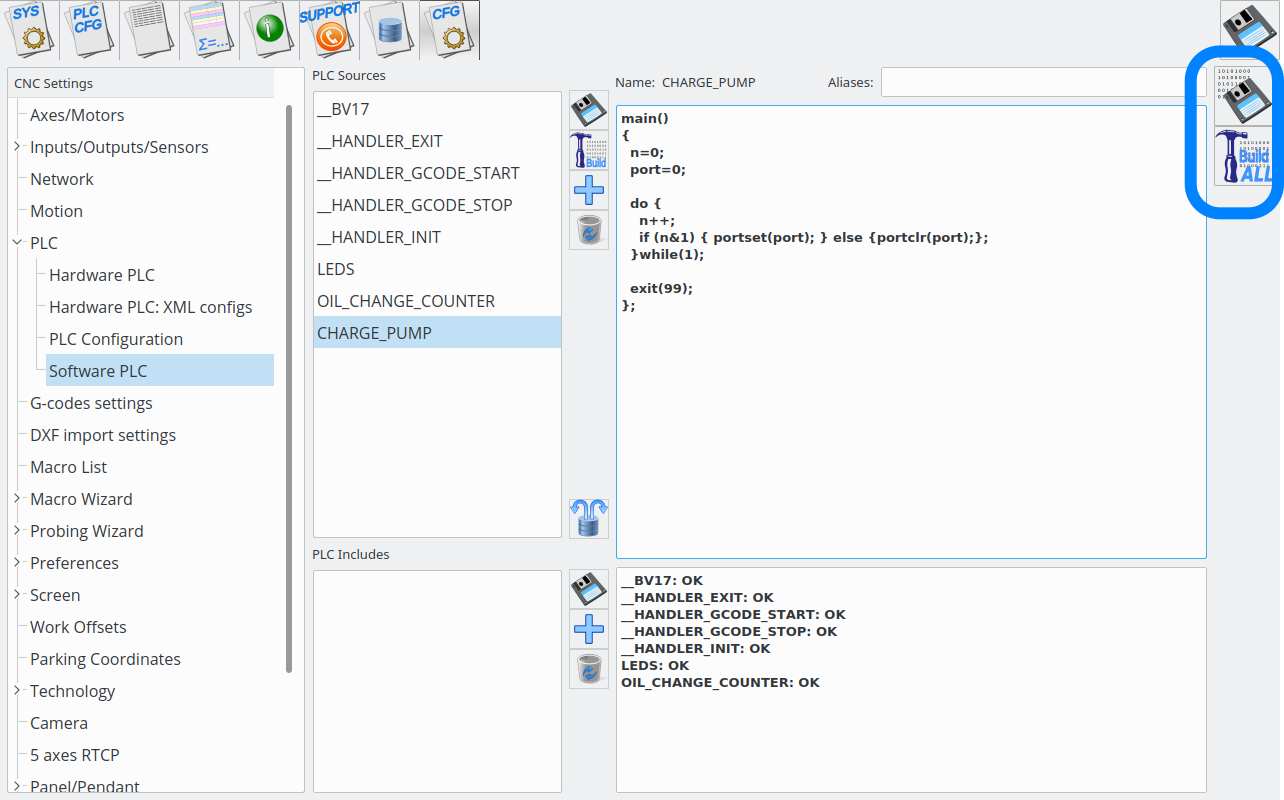
Press buttons “Save” and “Build”
Output pin defined “port” variable will start pulse generation.
“`
….
port=0;
….
“`
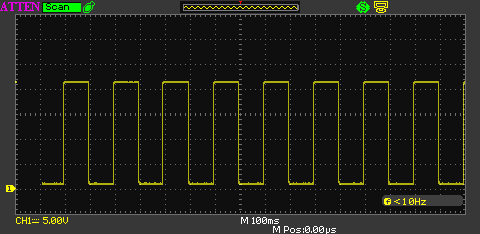
The result oscillogram is shown below